Your free
Internet Radio
for Windows
Over 50,000 radio stations from around the world. Listen to podcasts, record shows, enjoy perfect sound with the equalizer. 100% free.
Everything you need
ZENDER combines cutting-edge technology with ease of use
50,000+ Stations
Radio stations from over 150 countries. From local stations to international broadcasts - everything included.
Podcasts
Browse and listen to thousands of podcasts. Your favorite shows always at your fingertips.
Recording Feature
Record shows as MP3. With timer for scheduled recordings - never miss a show again.
5-Band Equalizer
Adjust the sound to your taste. Presets for various music genres included.
Favorites & History
Save your favorite stations. History automatically remembers what you've listened to.
Sleep Timer & Alarm
Fall asleep to music or wake up to your favorite station. Everything automated.
Live Visualizer
Spectrum analyzer and VU meter show the music in real-time. Various themes available.
Mini Mode
Compact view that always stays on top. Perfect for working in the background.
Multilingual
ZENDER speaks your language. Available in Deutsch, English, Français, Español and Italiano.
See ZENDER in action
Modern design meets intuitive operation
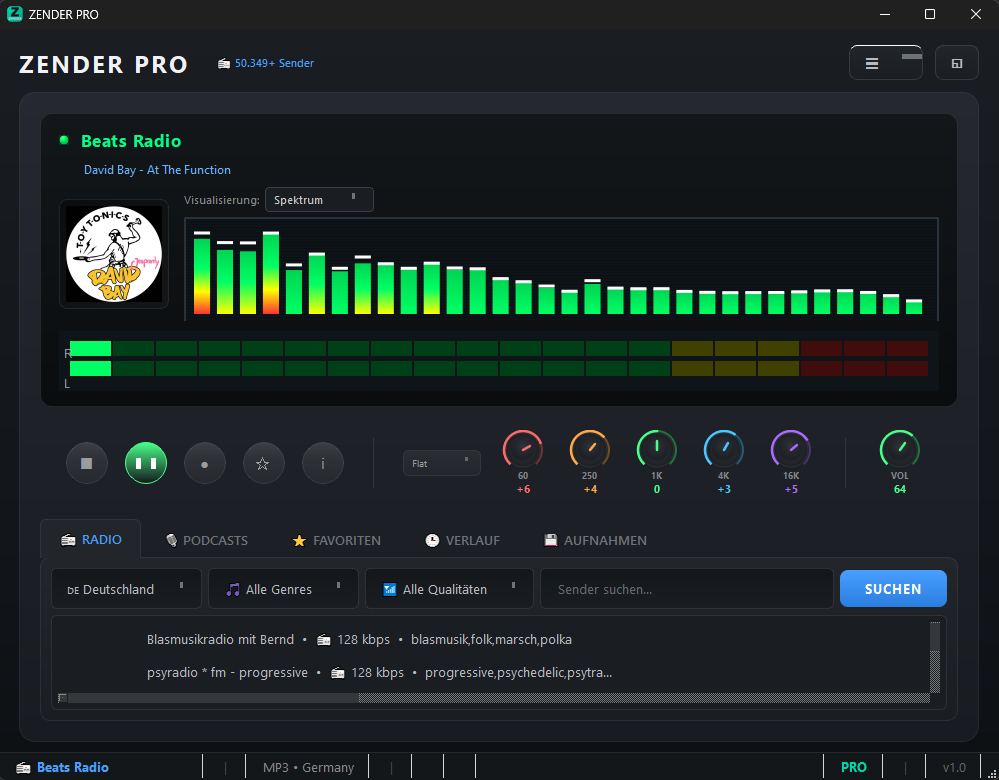
Clear main view
All stations at a glance, sorted by country and genre
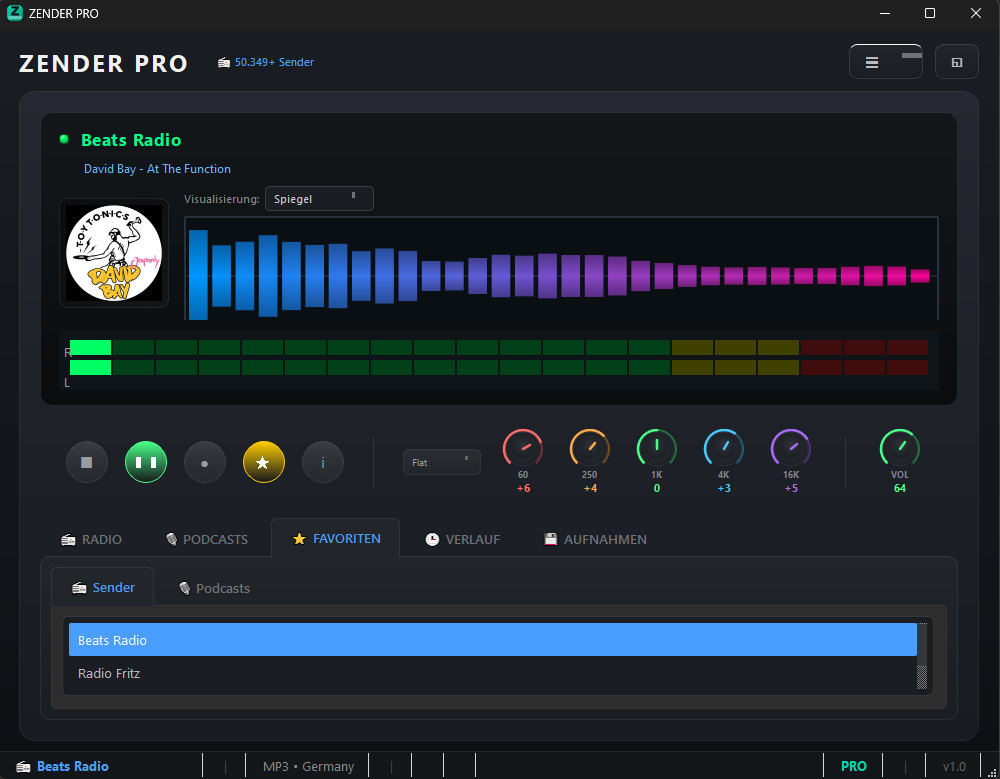
Live Visualizer
Spectrum analyzer and VU meter in real-time
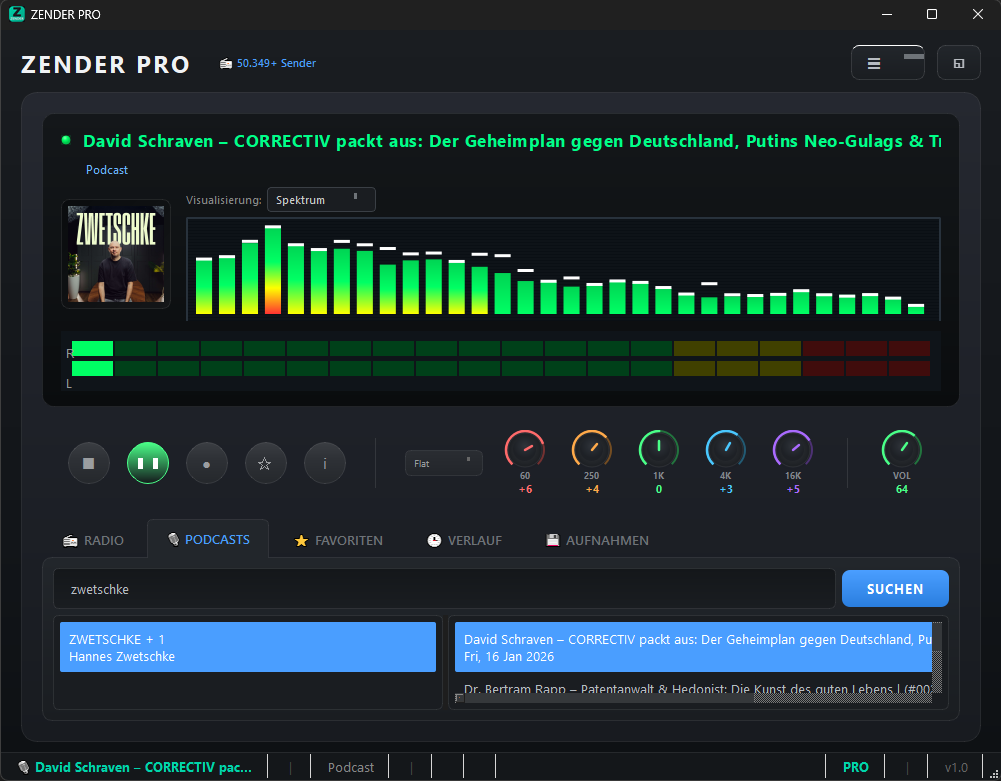
Discover Podcasts
Browse and listen to thousands of podcasts
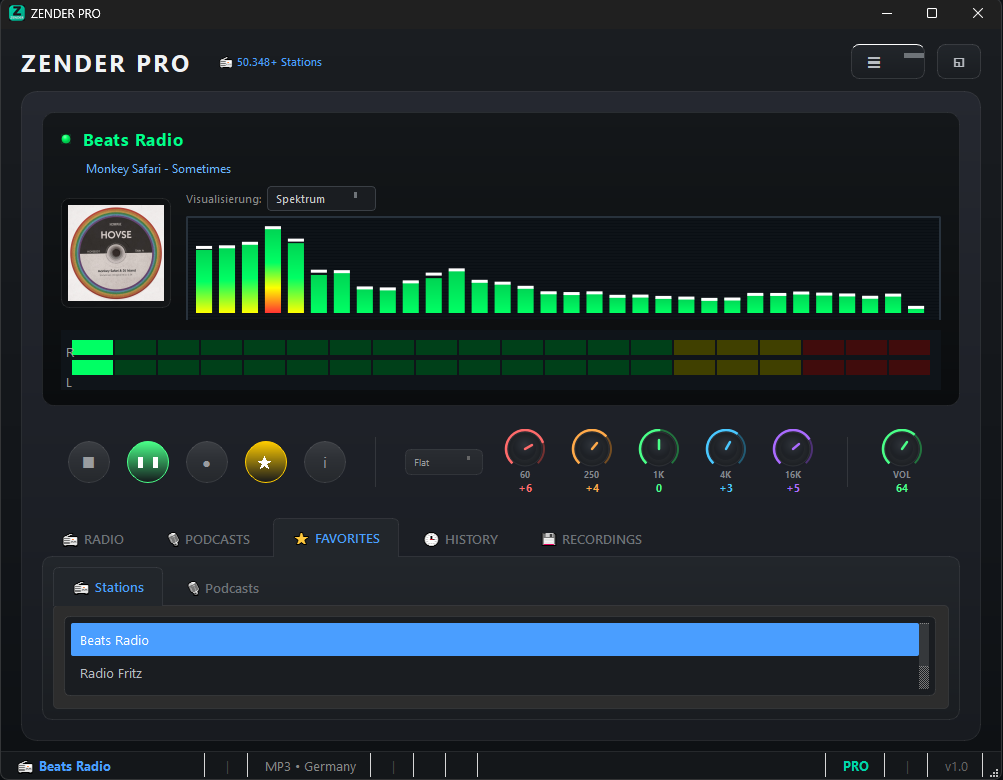
Manage Favorites
Your favorite stations always at hand
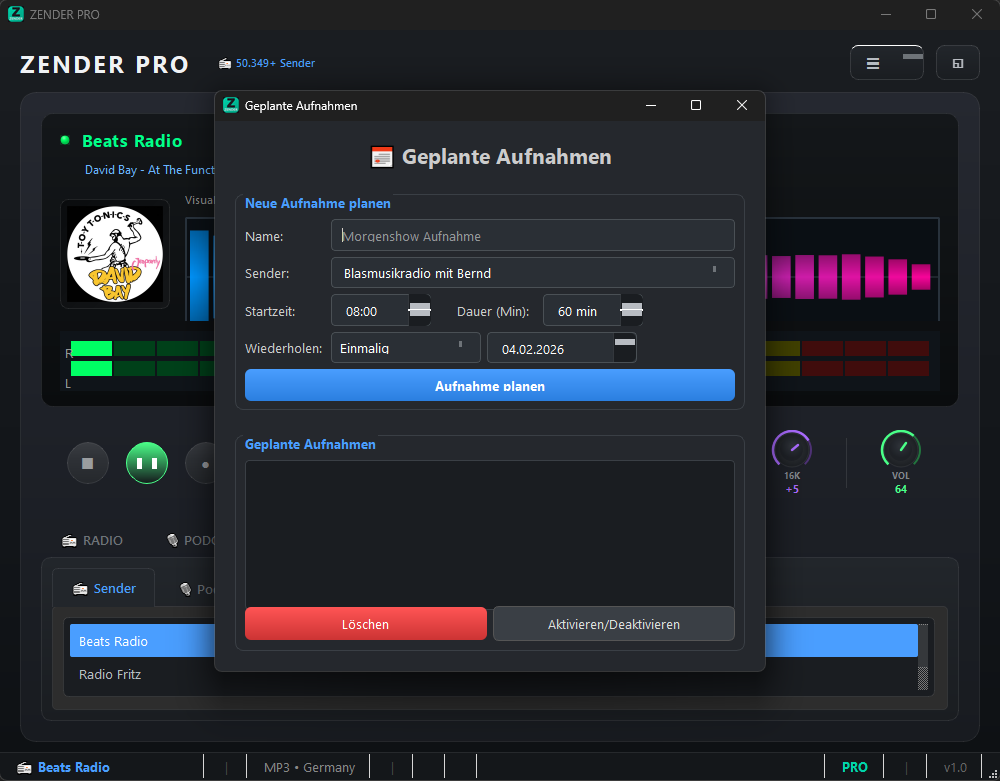
Recording Feature
Save shows as MP3
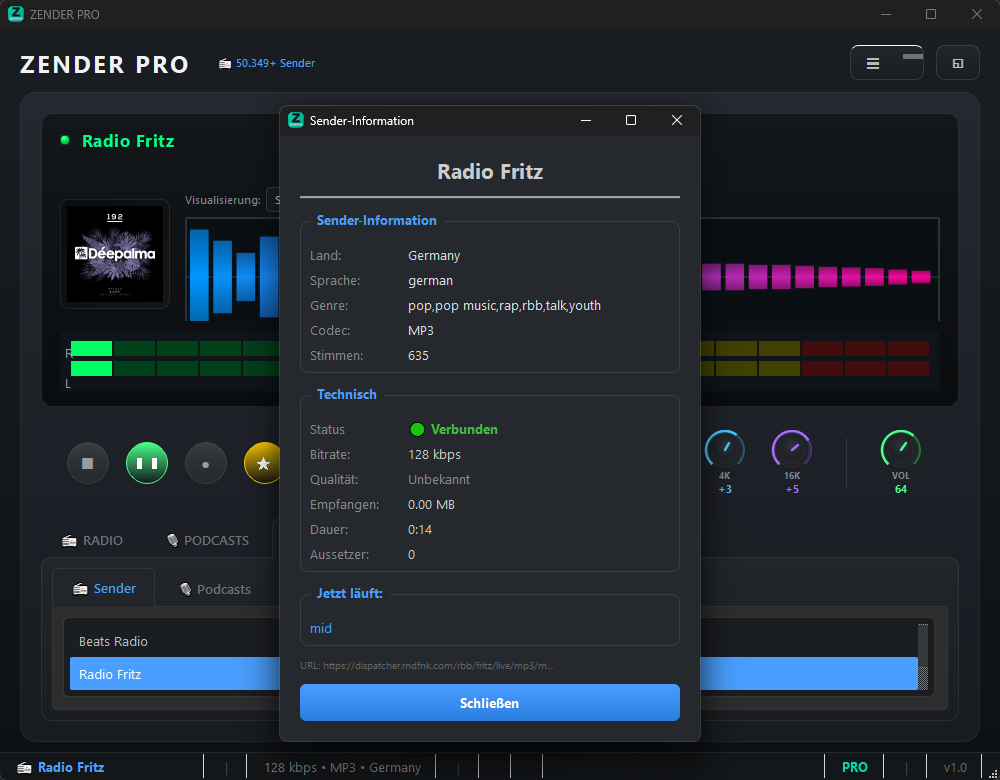
Station Information
Detailed info for every station
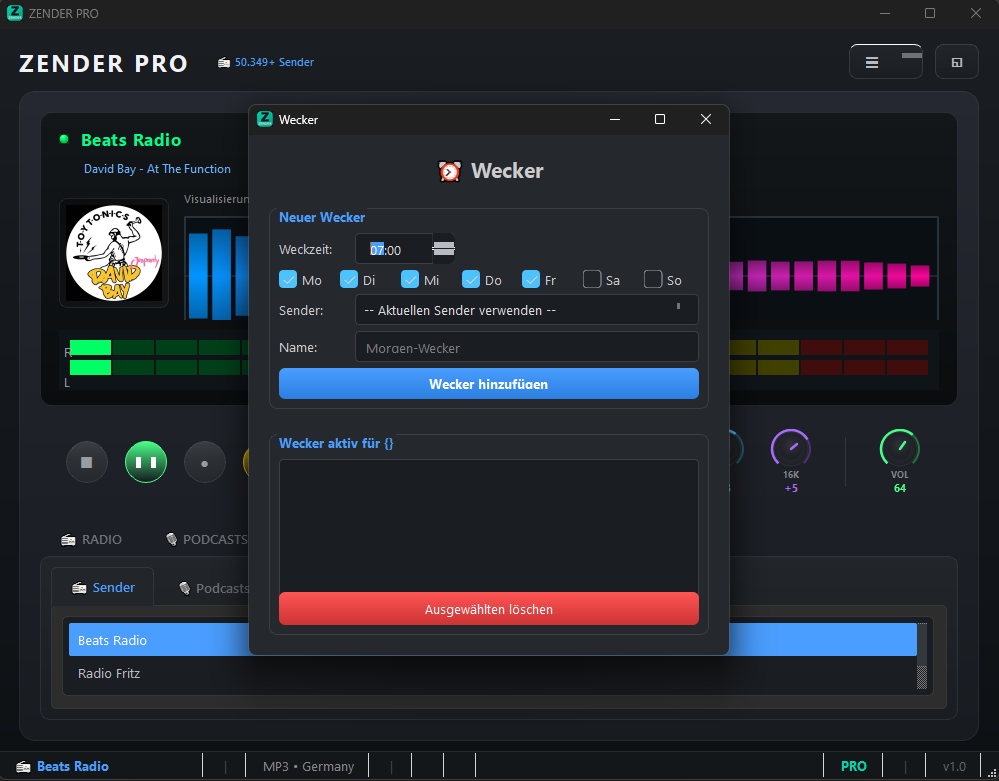
Alarm Clock
Wake up to your favorite station
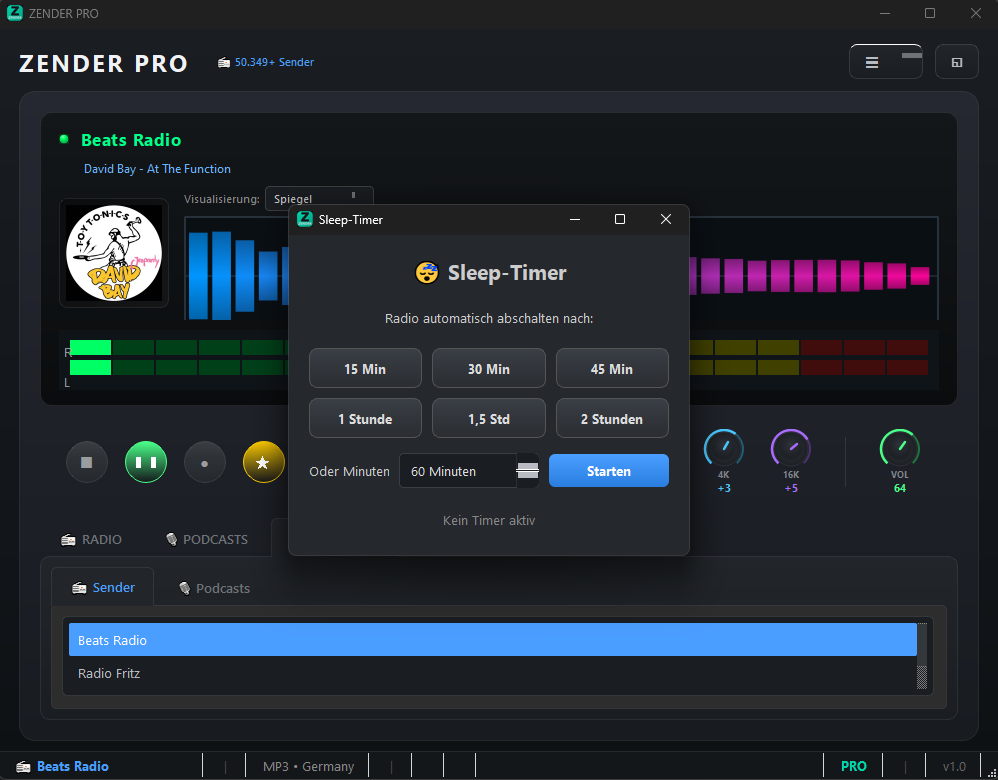
Sleep Timer
Auto shut-off when falling asleep
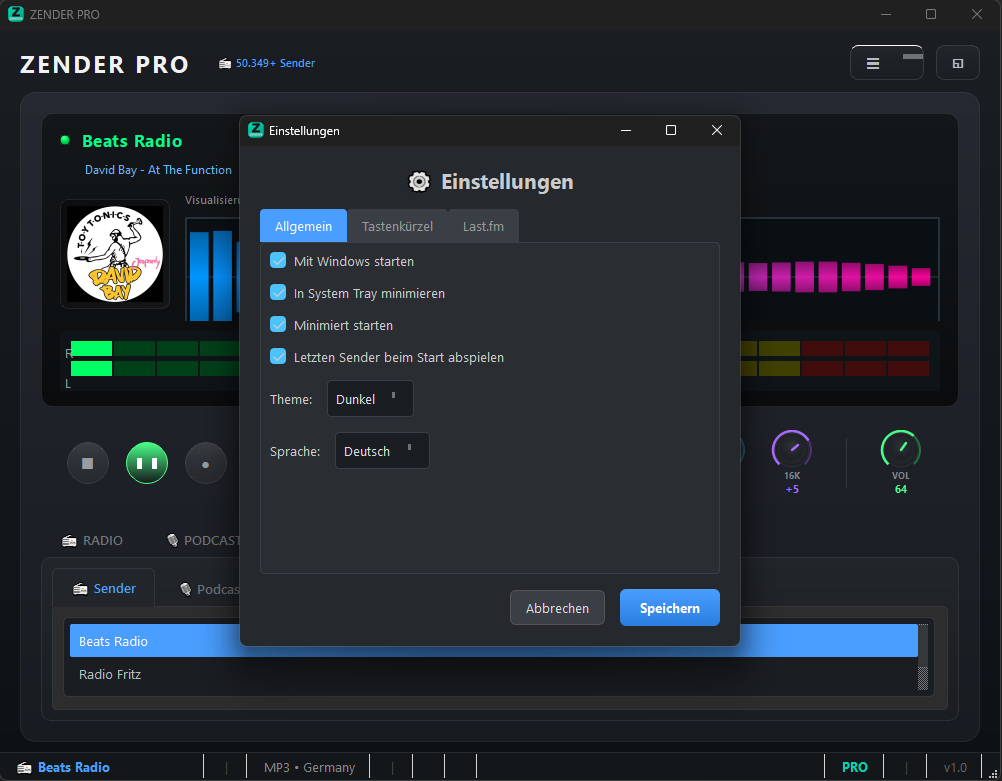
Settings
Customize ZENDER to your needs
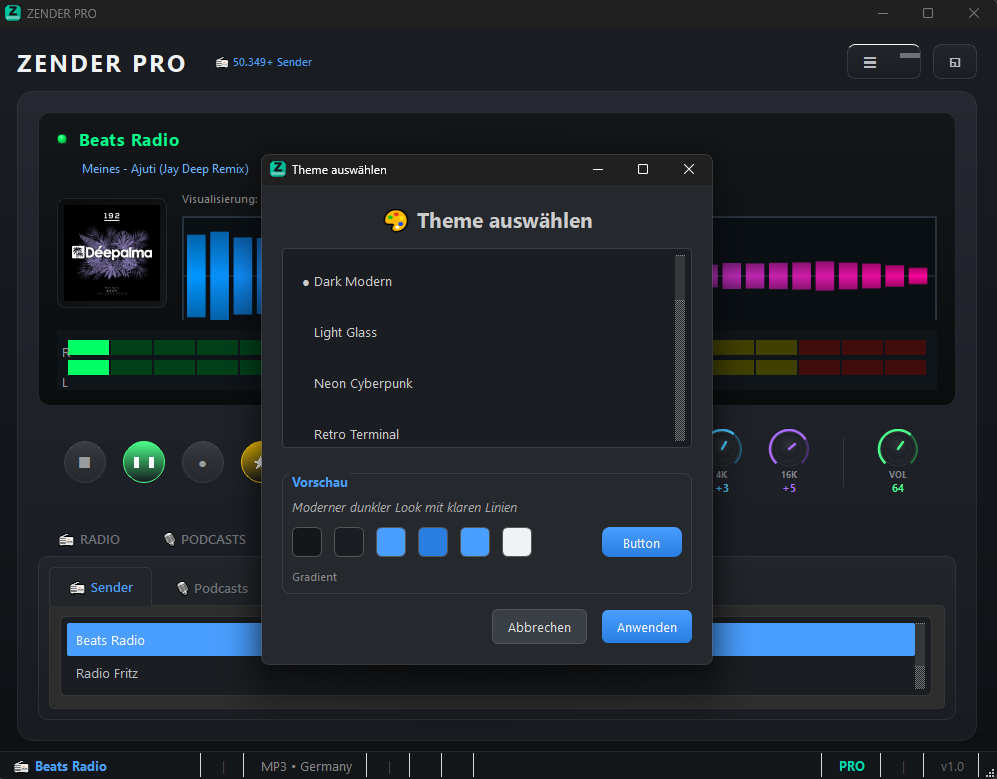
Various Designs
Choose your preferred theme
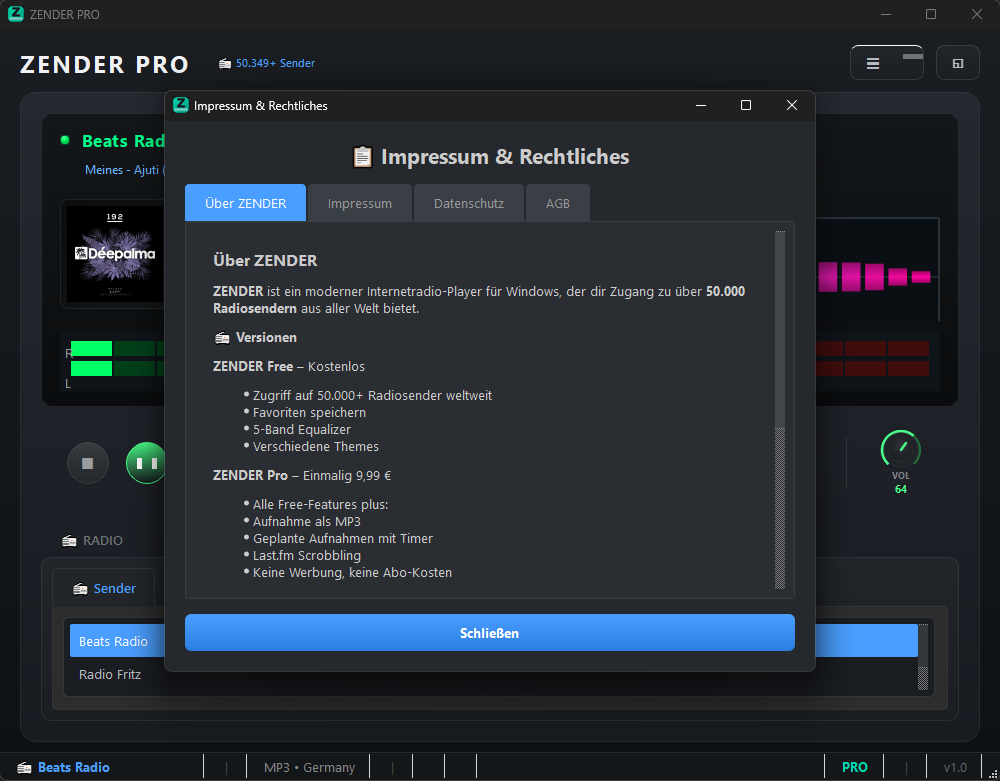
About ZENDER
App information
Download now for free
Portable version - no installation needed. Just download, run and enjoy music.
System Requirements
- Windows 10 or Windows 11
- 4 GB RAM (recommended)
- 100 MB free disk space
- Internet connection
- Sound card
ZENDER PRO
Even more options for power users
Free
- 50,000+ radio stations
- Save 5 favorites
- Basic themes (Light/Dark)
- History (20 entries)
- Podcasts
- Recording feature
- Sleep timer & alarm
Pro
- Everything in Free
- Unlimited favorites
- Listen to podcasts
- Record as MP3
- Scheduled recordings
- Sleep timer & alarm
- All premium themes
- Last.fm scrobbling
Frequently Asked Questions
Answers to the most important questions
Is ZENDER really free?
Yes, ZENDER is completely free in the basic version and usable without restrictions. You have access to over 50,000 radio stations worldwide. There is an optional Pro version with advanced features like recording, podcasts and unlimited favorites for a one-time $9.99.
Do I need to install anything?
No, ZENDER is a portable application. Just download the EXE file and run it with a double-click. No installation, no administrator rights needed. You can even run ZENDER from a USB drive.
Which radio stations are available?
ZENDER accesses the world's largest database for internet radio (radio-browser.info). You'll find stations from over 150 countries, sorted by genres like Pop, Rock, Jazz, Classical, News, Talk and many more. BBC Radio, NPR, and thousands of other stations are included.
Can I record shows?
Yes, with ZENDER Pro you can record any radio show as MP3. You can also set timers to automatically record shows - perfect for your favorite shows that you can't listen to live.
Will ZENDER work on my PC?
ZENDER runs on Windows 10 and Windows 11. Requirements are minimal: 4 GB RAM, 100 MB storage space and an internet connection. Even on older PCs, ZENDER runs smoothly.
Is ZENDER safe? Does it contain ads?
ZENDER is 100% safe and contains no advertising, no adware and no hidden programs. The software has been scanned for viruses. We don't collect any personal data - your privacy is important to us.
How do I activate the Pro version?
After purchase, you'll receive a license key by email. In ZENDER, go to Menu > License and enter your email address and license key. The Pro features are activated immediately.
Ready for the best internet radio experience?
Join thousands of satisfied users and discover the world of internet radio.
Download for free